 By Colin Foster
Choosing a Christmas gift for a gamer starts with the same question every time: what do they play on? The platform — console, PC, handheld, or tabletop — decides which accessories, games, and comfort items will actually work. Once you know that, you can avoid the biggest holiday trap of buying something they already own.
Start With the Platform
Before thinking about specific presents, identify the device. This single piece of information narrows your choices more than any other factor. The wrong generation of controller, the wrong headset connection, or the wrong game edition can all turn a thoughtful gift into a return trip to the store.
Console players
Console players have the simplest ecosystem to shop for. The current console families use their own controllers, chargers, and headset connections, so accessories designed for one will not work on the other. Check which console generation they own by glancing at the devices near their TV or by asking a family member. Once you know the system, you can look for matching controllers, charging stands, and audio gear without guessing. The collection of gifts for gamers on this site starts with this same question for a reason.
PC players
PC gaming is more open, which means more options and more pitfalls. Keyboard, mouse, headset, and microphone choices are deeply personal; the gamer may have already chosen a specific switch feel or sensor response. Instead of trying to match those preferences, choose neutral upgrades: a large desk mat, a cable organizer, a USB hub, or a monitor riser. These improve the setup without pretending to understand their exact gear list.
Handheld players
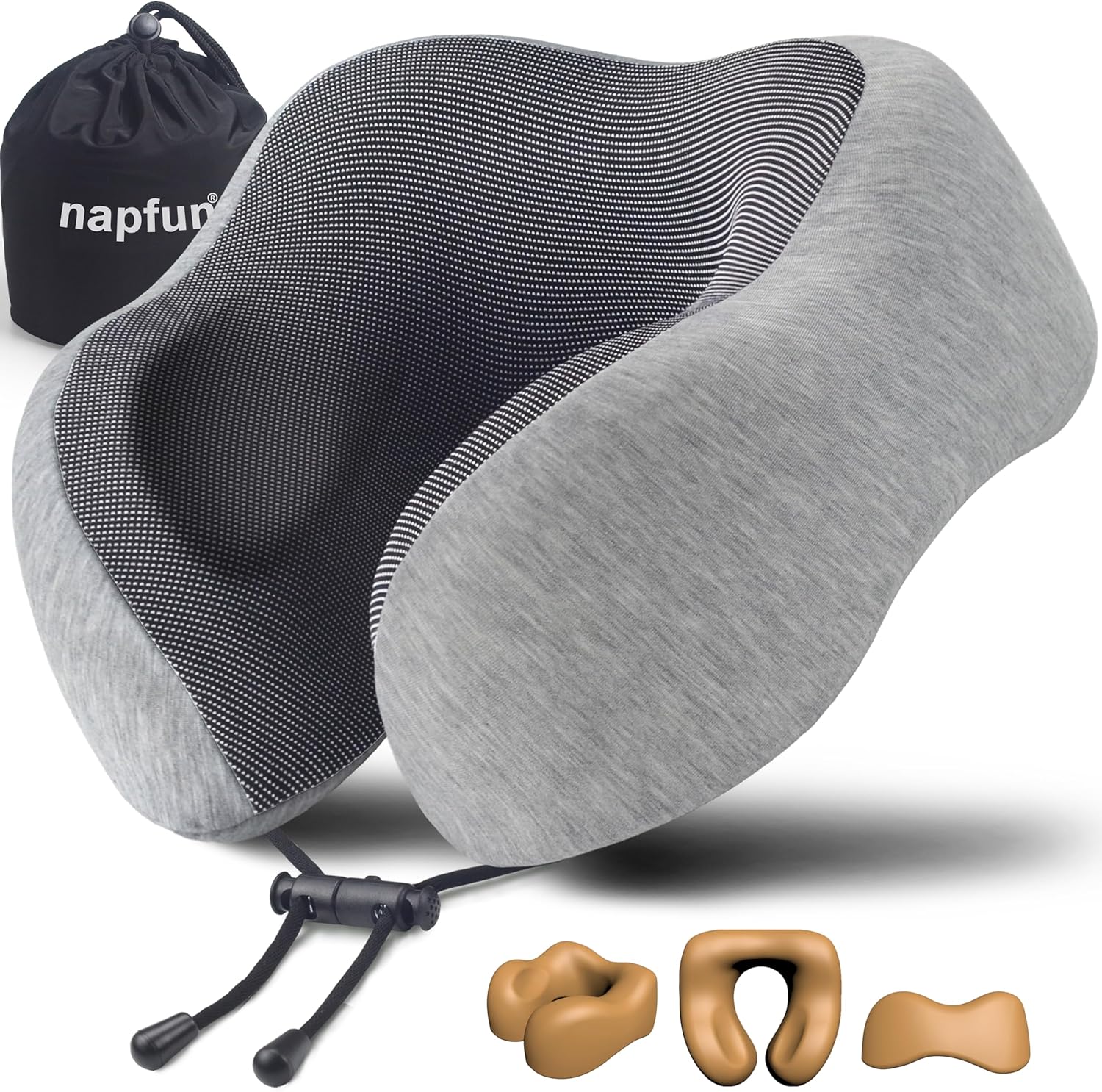
Handheld gamers play on portable devices, sometimes during commutes or trips. A carrying case, a screen protector, a compact power bank, or a small stand for tabletop mode is genuinely useful. Because these players are often travelers too, the advice in the guide to gifts for frequent travelers applies to them as well. Portable comfort items like a travel pillow or a packing organizer can be a nice gift that is not about gaming at all.
Tabletop gamers
Tabletop players rarely need a new game unless you know their wishlist. They do need practical supplies: card sleeves, dice trays, storage boxes, playmats, and dry-erase markers for mapping. The gift that works best is one that respects the group they play with, so a four-player accessory set often lands better than a heavy new game that the group may never open. For broader ideas, the gifts by interest page can help you think beyond the console.
| Platform | What to focus on | Common trap |
|---|---|---|
| Console | Controllers, charging gear, headsets | Buying for the wrong generation |
| PC | Desk mats, cable management, peripherals | Guessing specific specs |
| Handheld | Cases, power banks, screen protection | Forgetting the exact model |
| Tabletop | Sleeves, trays, storage, playmats | Buying an expansion they do not own |
Why Games Themselves Are Risky
They may already own it
Gamers buy games early. Many purchase digital copies at launch and keep large libraries. A physical disc of a title they already own digitally is redundant, and a different edition, such as a deluxe version, may not add anything they want. Unless the gamer has told you the exact title and platform, a game is the riskiest category you can choose.
Platform and region mismatches
Game compatibility is strict. A disc made for one console generation will not run on the next, a code from one region may not redeem in another, and an expansion requires the base game. Even the wrong physical edition, such as a standard copy when they wanted the collector’s version, can miss the mark. This is why most holiday advice for gamers steers you toward accessories and comfort items rather than software.
Accessories That Actually Get Used
Controllers and charging gear
A spare controller is a classic gift, but only if they need one. A more reliable upgrade is the charger that keeps it powered. Controller charging stations hold the controller between sessions and eliminate the scramble for cables and batteries. Check the controller’s model and connection port before buying, and choose a station that matches exactly, because not all controllers share the same shape or contacts.
Headsets and audio
Online play depends on clear communication. Gaming headsets improve both chat and immersion, yet they vary in connection type, microphone pickup, comfort, and ear cushion material. Console players may need a wireless option that connects to the controller without extra adapters, while PC players often use a standard USB or audio plug. If you are not sure, choose a model with volume adjustment and a mute switch, which are useful for any gaming session.
Storage and capture
Digital libraries grow fast. Some consoles and PCs accept additional external storage, but the compatibility rules depend on the device and its file format. Unless you have read the specifications and know the model, storage is a complicated gift. A capture device can help gamers who stream or record, but it must match the video output of their console or computer. When in doubt, leave these advanced categories alone.
Comfort Items for Long Sessions
Seating and posture
Players often sit for hours, so seating comfort is a real gift. A full gaming chair is bulky and personal, and the wrong size will not be used. A lumbar support cushion, a footrest, or an ergonomic seat cushion fits almost any chair and is much easier to wrap. For PC players, a wrist rest for the keyboard and mouse reduces strain and costs very little.
Lighting and eye comfort
Long sessions under poor lighting tire the eyes. A small desk lamp with adjustable warmth, an anti-glare filter matched to the monitor size, or a bias light behind the screen can help. Blue-light filtering glasses are common among players, but they should choose their own prescription, so leave that to them.
Small quality-of-life items
Sometimes the best gifts are the ones nobody thinks about: hook-and-loop cable ties, a controller stand, a sturdy lidded mug, or a snack bowl with a lid. None of these depend on the platform, so they are safe additions to any gift. If the main gift is a digital card, one of these small items gives the recipient something physical to open.
Digital Gift Cards: A Safe Fallback
Store-specific cards
When you cannot confirm the platform or the title, a digital gift card for the store tied to their console or PC is the most reliable choice. The gamer can pick the software, add-on content, or in-game currency they actually want. This is widely accepted as a thoughtful gift among gamers because libraries are deeply personal.
General payment cards
If you do not know which online store they use, a general prepaid card that works anywhere is acceptable. The common practice is to pair it with a small physical item so the gift does not feel lazy. Let the family’s own traditions guide how direct you are about the card.
Features That Actually Matter
Wired vs wireless
Wireless gear removes cable clutter but requires regular charging. Wired gear is simpler and does not run out of power mid-game. Let the setup decide: players on a couch across the room generally prefer wireless, while desk players are often happy with wired. If you choose wireless, confirm that the receiver is compatible with their platform.
Adjustability for younger players
For children, look for adjustable headbands, smaller controller grips, and volume controls on audio gear. Check the age rating on any game as well as the small-parts warnings on accessories, because detachable cables, ear cushions, and battery covers can be hazards for the youngest children. When setting up any electronic gift for a child, follow the manufacturer’s instructions and supervise the first charges.
Build quality and durability
Gamers put equipment through heavy use. Reinforced cables, braided cords, and sturdy hinge points on headsets tend to last longer. While you cannot tear the packaging open to test durability, the listed materials and care instructions give useful clues. Compare spec sheets for connection type, compatibility, and power requirements before you buy.
Common Buying Mistakes
Buying a game they already own
This is the most common error. Gamers are often several titles ahead of the holiday season. Unless you know their wishlist, treat a specific game as a last resort.
Ignoring the exact model
Controllers, chargers, and headsets are not universal. A station built for one controller shape may not fit another, and a headset designed for one console may not work on the next. Write down the model number and connection type before you shop.
Overlooking age ratings
For young players, the game rating matters as much as the gift itself. Console stores display age ratings clearly, and accessory packaging lists recommended ages. Let your own family guidelines lead, and check small-parts warnings on anything with removable pieces.
Duplicate accessories
Ask a family member what gear the gamer already owns. Many players already have two controllers, a headset, and a charging cable. A duplicate is just clutter, no matter how good the product is.
Care, Cleaning and Upkeep
Headsets and earpads
Wipe earpads with a soft, slightly damp cloth and let them air dry. Do not submerge any part of the headset. When the foam flattens or the cushion peels, check the manufacturer’s instructions for replacement earpads.
Controllers
Clean controllers with a dry microfiber cloth. If the surface is sticky, use a cloth barely moistened with water or an electronics-safe cleaner, keeping moisture away from the ports. Follow the manufacturer’s guidance on cleaning so you do not damage the coating.
Charging stations
Keep the charging contacts dry and free of dust. Use the cable that came with the station or one that matches the listed specifications. Never force a connector into a port, and unplug the station if it will not be used for a while.
FAQ
What gift works for a gamer of any age?
A digital gift card for their platform store combined with a small comfort item, like a desk mat or a headset stand, works across ages. For children, check the age rating on any game and the small-parts warnings on accessories before wrapping.
Is a gift card too impersonal?
Most gamers appreciate store credit because game libraries are personal and preferences change quickly. Pair the card with a tangible accessory so the gift still feels thoughtful and personal.
How do I choose between console and PC gear?
Identify the device directly. Look at the hardware near their screen or ask a close family member what platform they use. If you still cannot tell, choose a universal item such as a desk mat or cable organizer instead of guessing.
Are accessories safe for younger gamers?
Many headsets, controllers, and chargers include age guidance and volume limits on the packaging. Check the recommended age, the volume limit, and the small-parts warnings. Follow the manufacturer’s instructions for setup and charging, and supervise younger children around cables and batteries.
The best Christmas gift for a gamer respects the platform, the taste, and the gear they already own. Start with the device, skip plain game purchases unless you are certain, and use a gift card to cover what you cannot predict. With that approach, your gift will be used each session instead of sitting in a drawer.
About Colin Foster
Colin Foster is part of our editorial team and reviews and edits our christmas gift guides by recipient guides, checking product details against manufacturer specifications and owner feedback.